
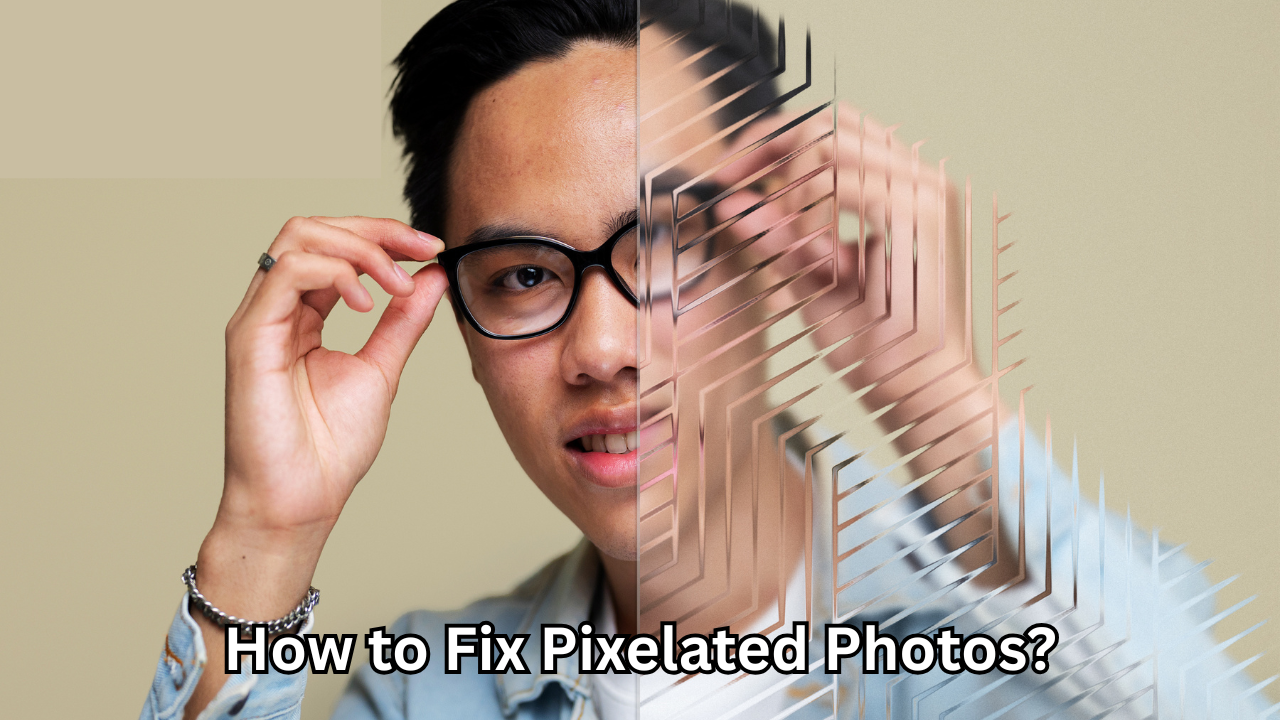
Pixelated images can instantly reduce the impact of an otherwise meaningful photo, whether it’s for professional use, social media, or personal memories. Learning how to fix pixelated photos properly allows you to recover lost detail, improve sharpness, and present visuals that look clean and trustworthy. This guide explains proven, Google-safe methods used by photographers, designers, and editors to enhance low-quality images without damaging their natural appearance.
Understanding What Causes Pixelation in Images
Pixelation occurs when an image is displayed at a larger size than its original resolution allows. Each pixel becomes visible, creating a blocky and blurry look that removes fine detail. This often happens when small images are stretched, screenshots are overused, or compressed files lose essential data.
Low-resolution cameras, excessive zooming, and repeated editing can also contribute to the problem. Once you understand why pixelation happens, it becomes much easier to choose the correct solution instead of relying on guesswork.
Why Pixelated Photos Are a Serious Quality Issue
From an SEO and branding perspective, image quality directly affects credibility and user experience. Pixelated visuals can reduce engagement, increase bounce rates, and weaken trust. For bloggers, businesses, and publishers, fixing poor-quality images is not just cosmetic—it’s essential for professional presentation and long-term content value.
Search engines may not penalize pixelation directly, but users certainly notice it. Clean, sharp visuals support authority and reinforce the overall quality of your content.
How to Fix Pixelated Photos Using Professional Editing Software
Professional image-editing software provides the highest level of control and accuracy when repairing pixelated images. These tools are designed to restore detail while preserving the photo’s natural texture.
Programs like Adobe Photoshop use advanced algorithms such as noise reduction, smart sharpening, and AI-based upscaling. By carefully adjusting sharpness, smoothing edges, and restoring contrast, editors can significantly improve clarity without introducing artifacts.
The key is moderation. Over-sharpening can create halos, while excessive smoothing can make the image look artificial. A balanced approach produces the most realistic results.

Using AI-Based Tools to Enhance Image Quality
Artificial intelligence has transformed the way image restoration works. AI-powered tools analyze surrounding pixels and intelligently predict missing details, making them especially effective for improving severely pixelated photos.
These tools are ideal for non-designers because they automate complex processes. With a few adjustments, you can upscale images, smooth rough edges, and recover clarity in seconds. While AI cannot perfectly recreate original details, it often delivers impressive improvements suitable for web publishing and digital use.
AI solutions are particularly useful when working under time constraints or handling large batches of images.
Mobile Apps That Help Improve Pixelated Images
Mobile editing apps have evolved to offer powerful image enhancement features directly from your smartphone. Many include built-in sharpening, clarity adjustment, and AI-based enhancement options.
These apps are convenient for quick fixes and social media use. While they may not match desktop software in precision, they are more than capable of improving moderately pixelated images when used carefully.
Always preview changes at full size before saving, as small screens can hide imperfections that become visible later.
Preventing Pixelation Before It Happens
Prevention is always better than correction. Using high-resolution images from the start reduces the need to repeatedly learn how to fix pixelated photos. Capturing images at the highest possible quality ensures flexibility during editing and resizing.
Avoid excessive compression when saving images, and always maintain original files as backups. When resizing, scale images proportionally and avoid enlarging them beyond their native resolution.
For websites, optimize images correctly by balancing file size and clarity. Proper optimization preserves detail while maintaining fast loading speeds.
Common Mistakes to Avoid When Fixing Images
Many people unintentionally worsen pixelation by applying aggressive filters or sharpening tools. This often introduces noise, jagged edges, or unnatural textures, making the image look even less professional.
Another common mistake is repeatedly saving edited images in compressed formats. Each save can further degrade the quality. Always work from the original file and export only once at the final stage.
Understanding these pitfalls helps ensure that your efforts to restore clarity actually improve the image.
When Pixelation Cannot Be Fully Repaired
It’s important to set realistic expectations. If an image is extremely low resolution, no method can perfectly recreate lost detail. In such cases, enhancement techniques can still improve usability, but they won’t produce a high-definition result.
For critical projects, replacing the image with a higher-quality version may often be the best solution. Knowing the limits of image restoration demonstrates professional judgment and protects content quality.
Choosing the Right Method Based on Your Needs
The best approach depends on your purpose. For professional design work, advanced desktop tools offer the most control. For quick digital use, AI tools and mobile apps are efficient and accessible.
Understanding how to fix pixelated photos is not about using one universal tool, but about selecting the right solution for the image, platform, and audience.
Final Thoughts on Restoring Image Quality
Pixelated images don’t have to be permanent setbacks. With the right techniques, tools, and realistic expectations, you can dramatically improve image clarity while maintaining a natural appearance. Whether you’re editing for a website, portfolio, or personal archive, applying these methods thoughtfully will elevate your visual content.
By mastering how to fix pixelated photos, you protect your credibility, enhance user experience, and ensure your visuals meet modern quality standards. Clear images communicate professionalism—and that clarity is always worth the effort.
Also Read: Baidu SEO Tool: A Powerful and Trustworthy Guide for Smarter China Search Optimization
One thought on “How to Fix Pixelated Photos: A Powerful and Positive Guide to Restoring Image Clarity”
Comments are closed.